YOUR iRACING RACES,
BROADCAST LIKE ON TV.
Graphics, camera direction and Highlights in one app, for drivers and leagues who stream their own races.
Download for Windows Download for Windows 30 days free

Director Cut
Direct the broadcast.
Or put it on auto.
You call the cuts and replays, or let Formula Cast direct the race for you.
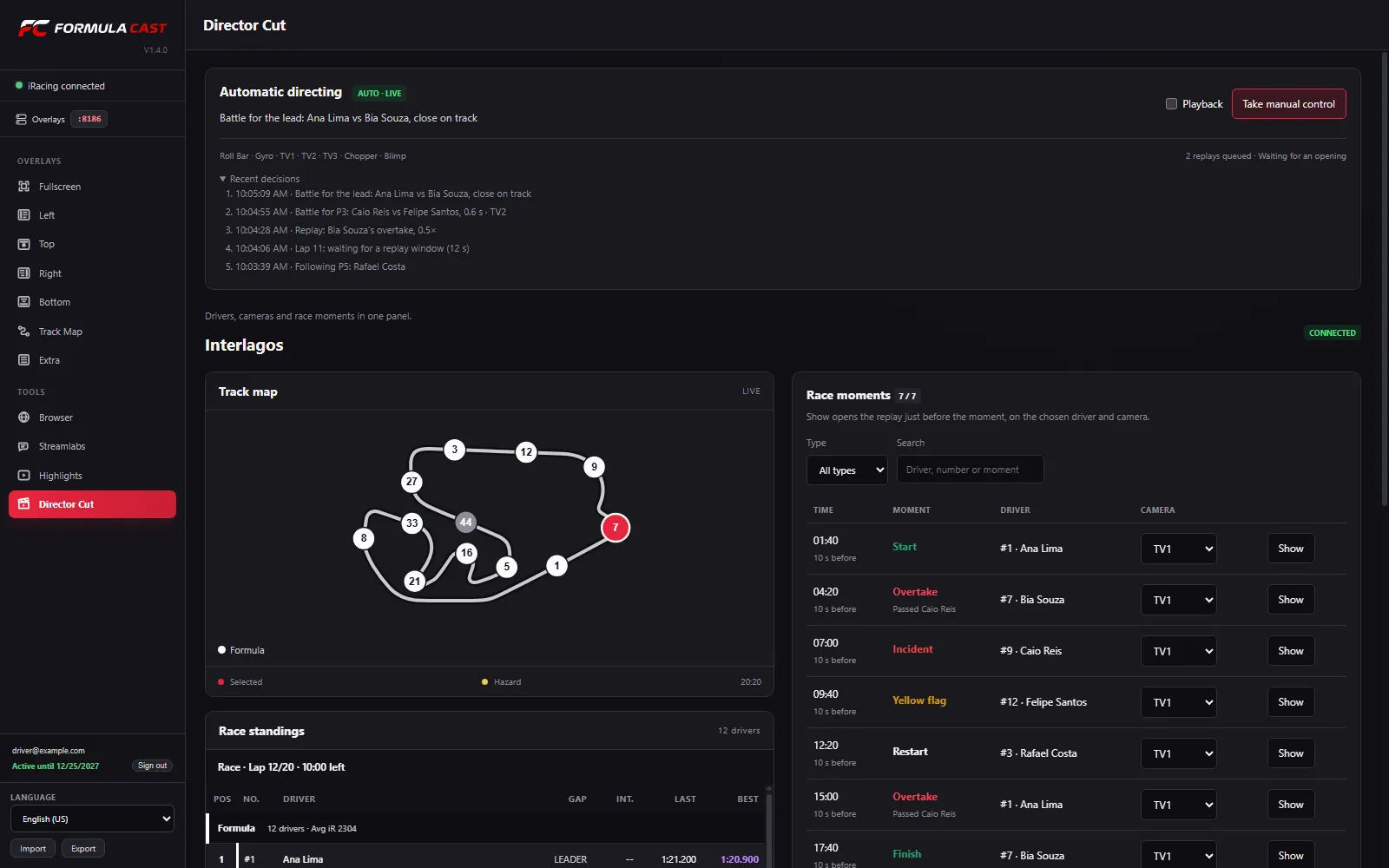
Cuts and replays
Pick the driver and camera, go back 5 or 10 s, set the speed and return to live.
Automatic directing
Favors battles, incidents and the front of the field.
Playback mode
Directs a recorded race as if it were live.
Highlights
The best moments,
ready to air.
Formula Cast captures the action during the race. You pick the format and it builds the Highlights.
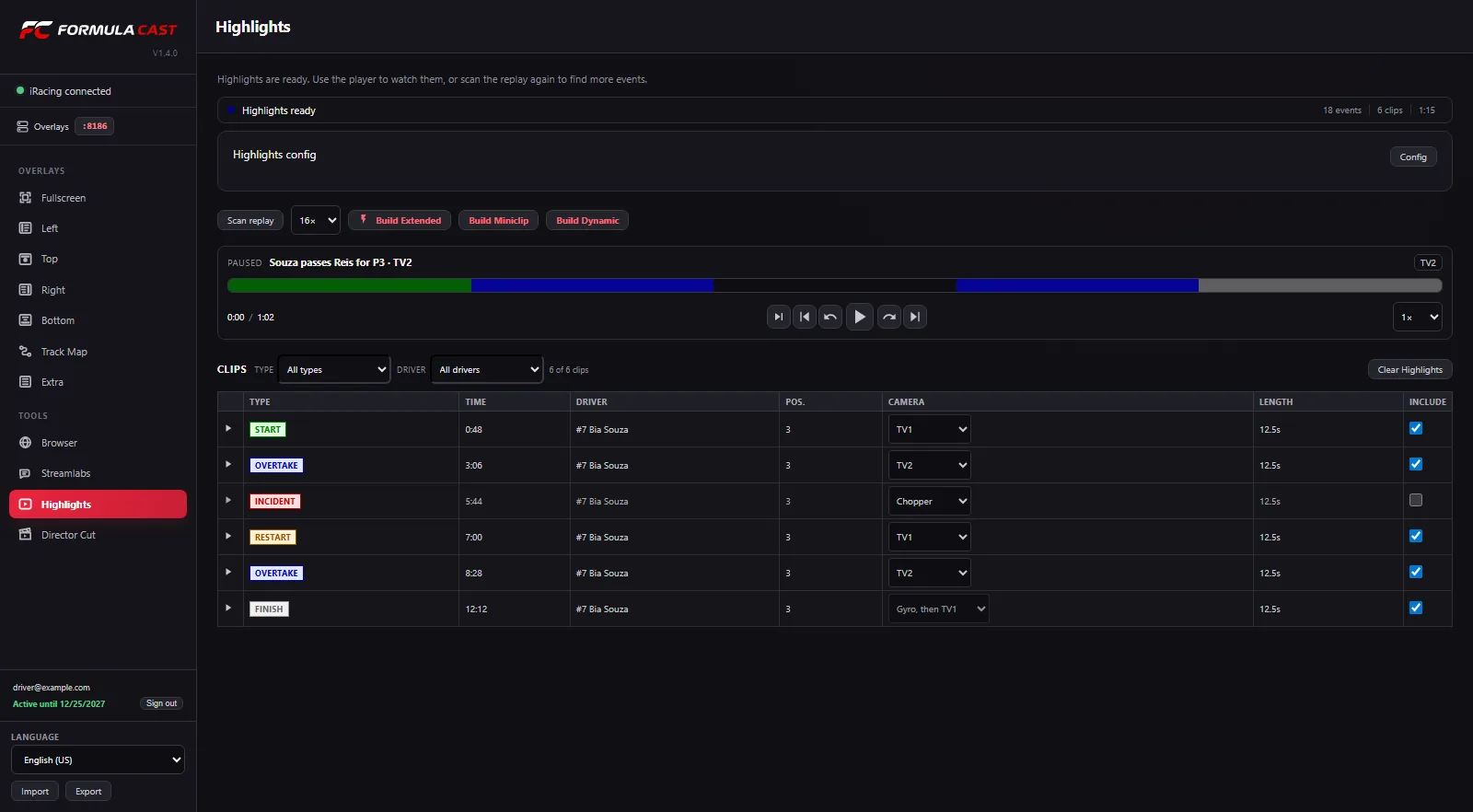
Extended
The race recap, with graphics and transitions.
Miniclip
Clean picture, no graphics on screen.
Dynamic
Fast pace, with optional graphics.
Race already recorded? Scan the replay afterward and build the Highlights the same way.
Graphics
20 graphics.
Six screen regions.
Show the graphics over the game or bring each region into OBS as a Browser Source. Relative sits apart, in the Extra group.
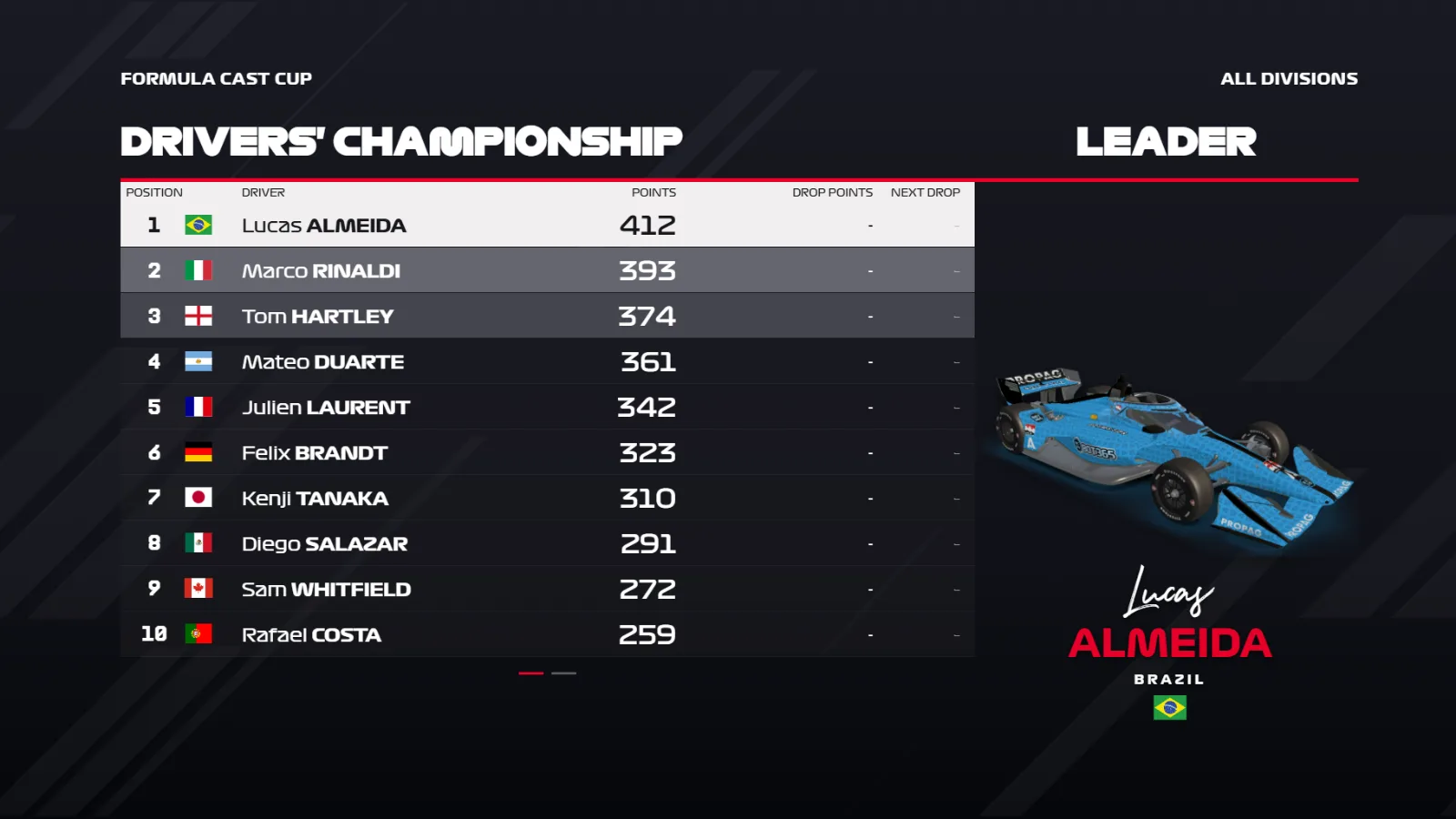
Fullscreen
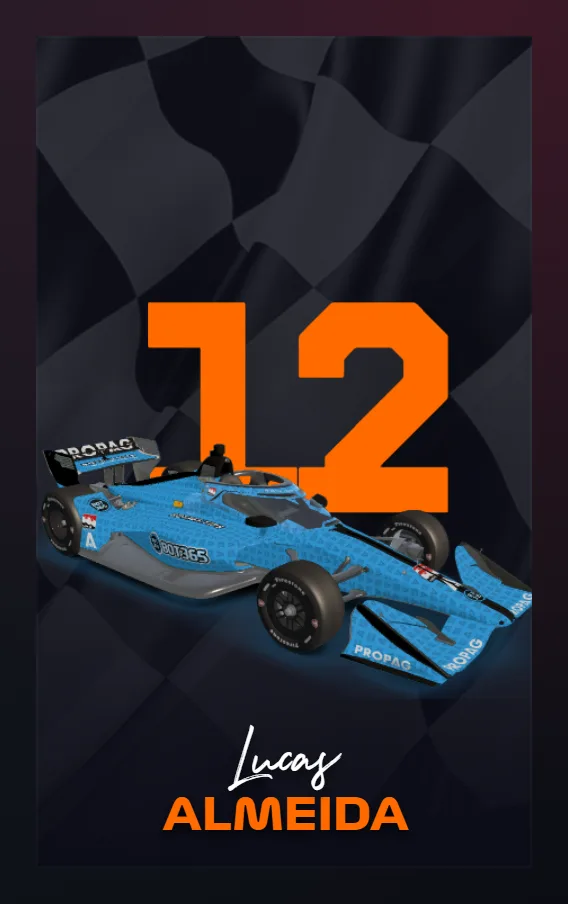
Intro, Championship, Podium and the Replay transition.
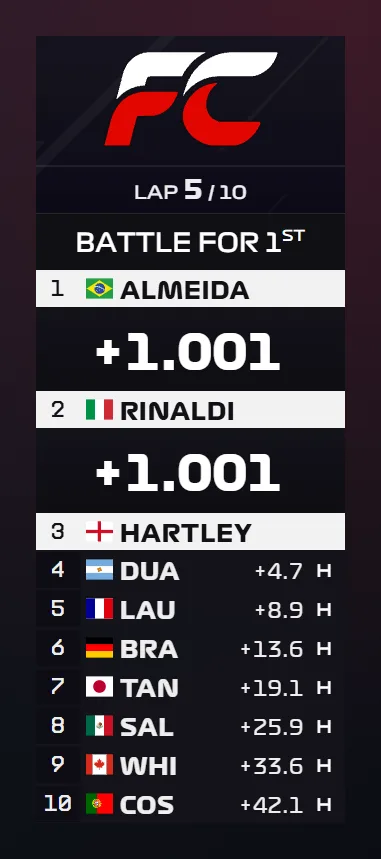
Left
Standings, the timing tower.
Top
Penalty, Fastest Lap, Incidents, DRS Enabled, Laps to Go and New Race Leader.


Right
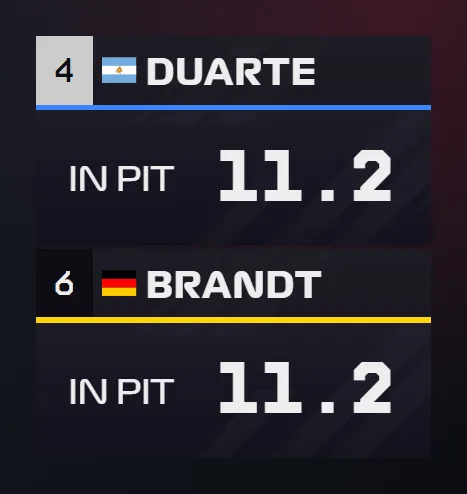
Race Winner, Pit Stop and Corner.
Bottom
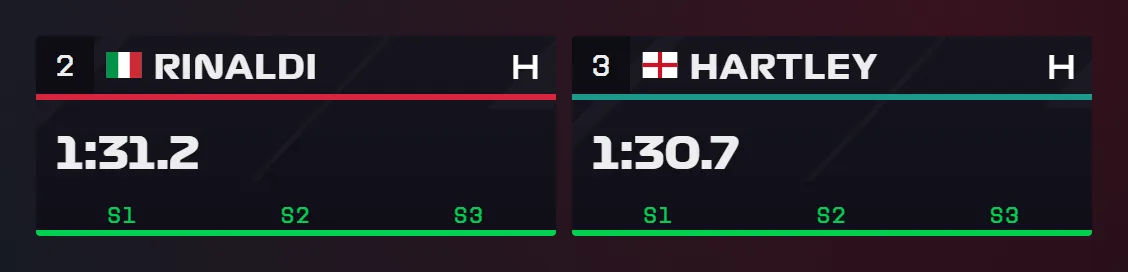
Pole Position, Last 4 Laps, Live Points, Name Tag and Lap Timing.

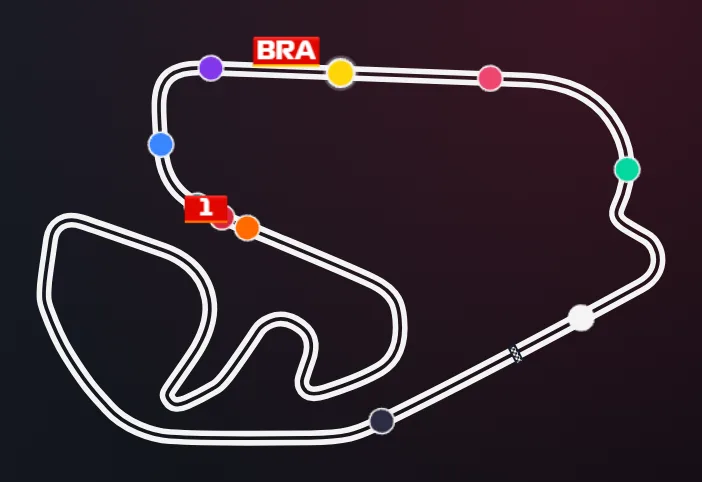
Track Map
The circuit with each car's position.
Formula Cast for Windows
Start now.
30 days free.
The app is portable: download it, open it and create your account right there. Renewal is handled through support.
If Windows SmartScreen blocks the app, click More info and then Run anyway.
- File
- formula-cast-1.4.11.exe
- Version
- 1.4.11
- Size
- 269.2 MB
- Requirements
- Windows x64 and iRacing. OBS optional.